

You should be able add the form responses into your Hubspot contacts list through the Automation Workflow feature in Hubspot. Step 1: (Hubspot) Create a New WorkflowDocumentation Index
Fetch the complete documentation index at: https://architect-d889a35e-sync-pr-2820.mintlify.app/llms.txt
Use this file to discover all available pages before exploring further.
- Navigate to Automations → Workflows
- Create a new workflow from scratch
- Select Custom trigger type
- Choose “Receive a webhook from an external app” from the custom events and external events options
- Click “Add a webhook”
- Name the webhook (e.g., “Architect”)
- Click Continue
- Copy the generated webhook URL
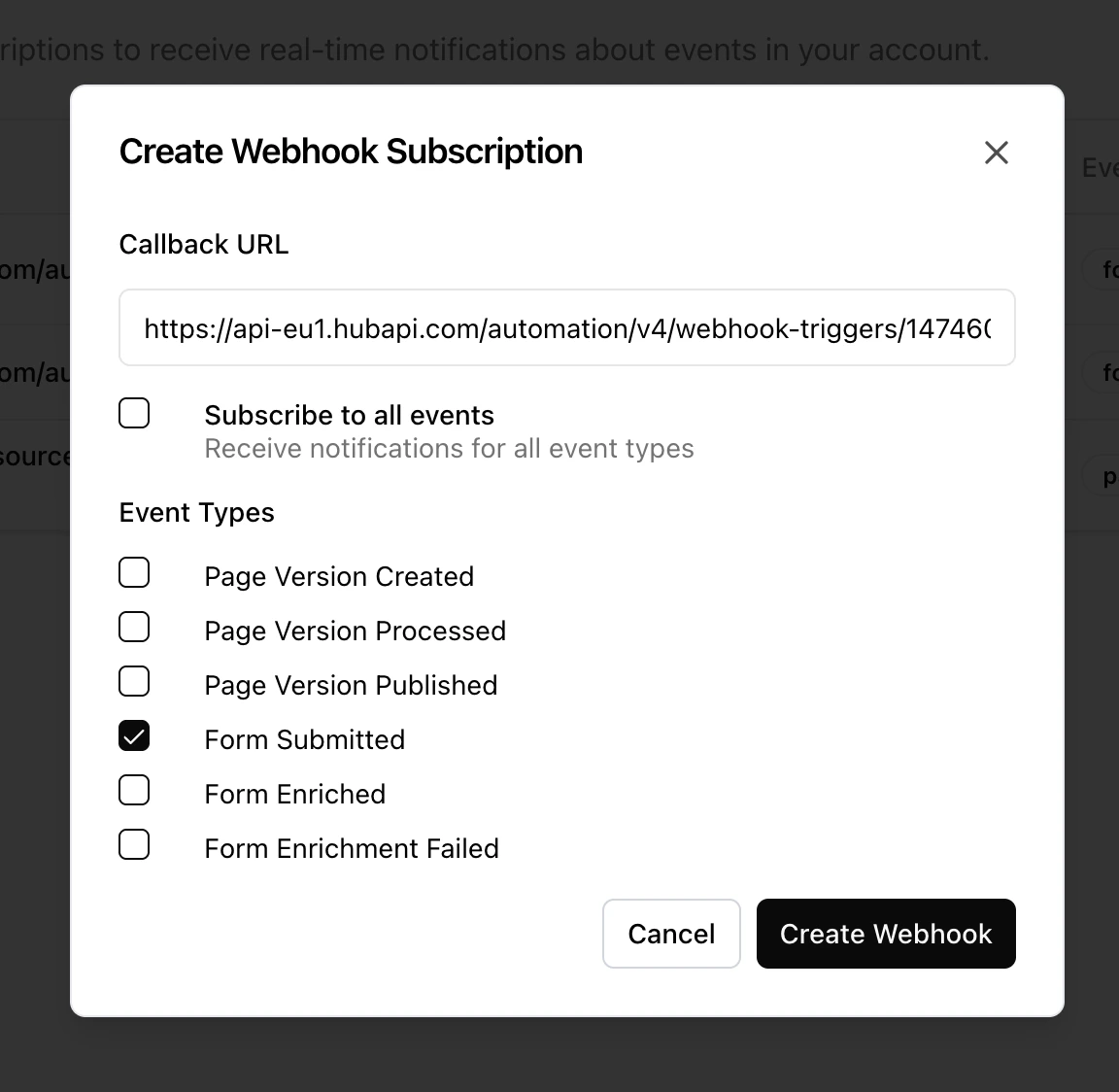
- Go to your Architect platform Settings → Webhooks
- Create a new webhook
- Paste the HubSpot webhook URL
-
Subscribe to “form submitted” event
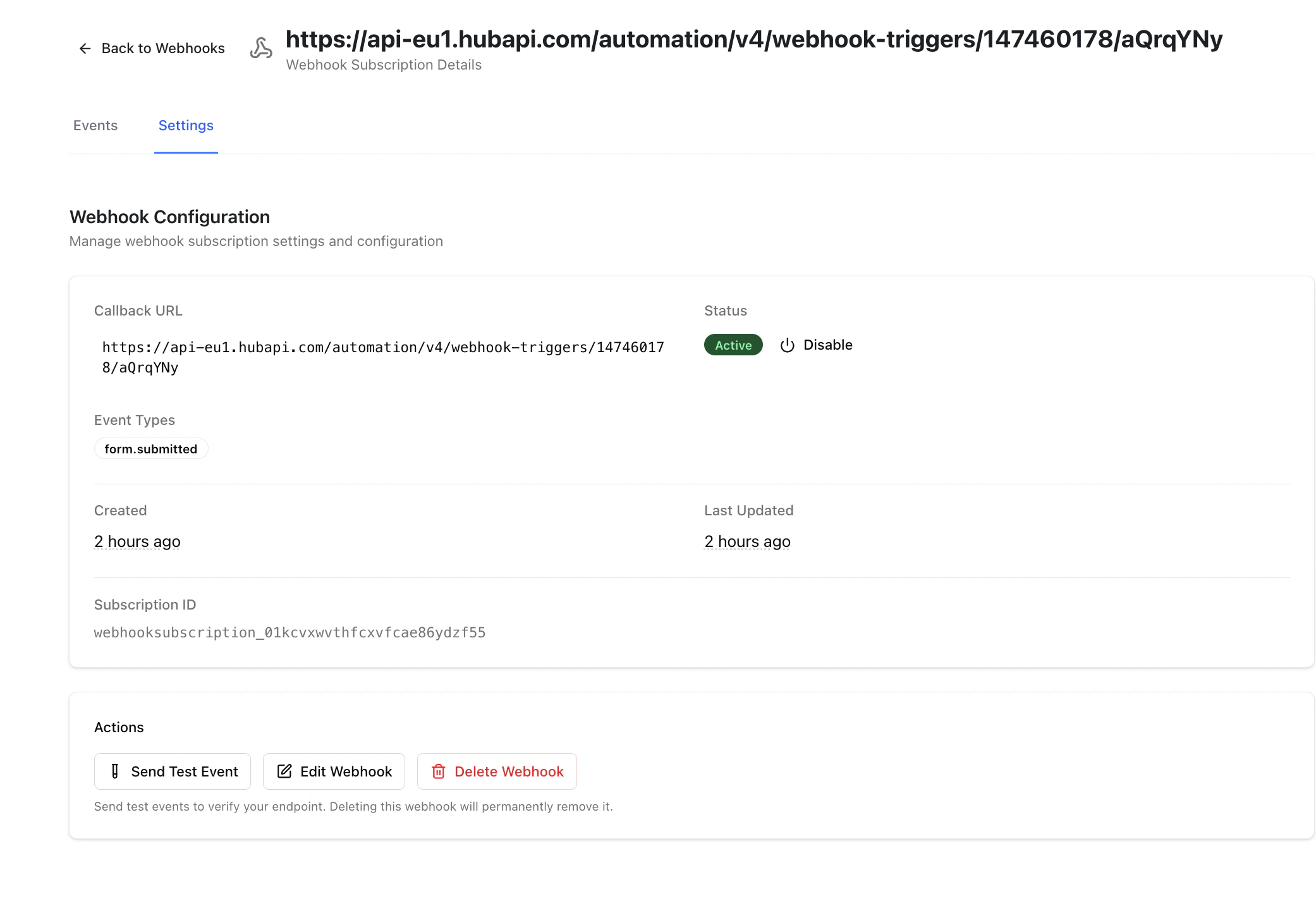
- In Architect Settings, send a test webhook request. Verify it’s received in HubSpot
- Set up the form to capture data.
- You can optionally add additional fields if your form has multiple fields.